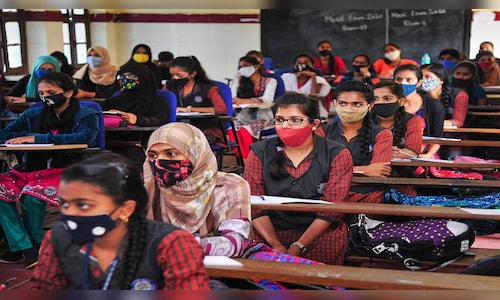
This year, the CBSE conducted the board examination for Class 10 from February 15 to March 18, 2025, and from February 5 to April 4 for Class 12. In 2024, the result was announced on May 13 and on May 12, 2023. The result for the year 2022 was announced on July 22. Going with the previous trends, the results for 2025 are expected to be released in the last week of May.
How to Check CBSE Class 10 & 12 Results 2025?
Step 1: Go to the official CBSE results portal at results.cbse.nic.in or cbse.gov.in.
Step 2: Click on the link that reads ‘CBSE 10th Result 2025’ or ‘CBSE 12th Result 2025.’
Step 3: Enter your roll number, date of birth, and security code.
Step 4: Submit it to view your result.
Step 5: Download it and print a copy of your result for future reference.
How to Check CBSE Results on DigiLocker?
Step 1: Visit the official website of DigiLocker at digilocker.gov.in.
Step 2: Select your class – either Class 10 or Class 12.
Step 3: Provide the necessary information, like your school code, roll number and 6-digit security PIN provided by your school.
Step 4: Once all fields are filled, click on ‘Next’.
Step 5: Enter the OTP sent to the registered mobile number and click on ‘Submit’ to proceed.
Step 6: After your details are confirmed, your DigiLocker account will be activated.
Step 7: Click on ‘Go to DigiLocker account’ to access your account.
Step 8: You will be able to find your CBSE Board Result 2025 under the documents section.
If you are already a registered DigiLocker user with your mobile number, just confirm your details and click on “Go to DigiLocker account” to view your documents. Apart from this, students can also access their results through the UMANG app, which is available on the Google Play Store and Apple App Store.
Last year, 22,51,812 students registered for the exams, of which 22,38,827 appeared, and 20,95,467 passed.